
To connect to RDP, you will first need to log in to this link to allow your computer connection to the office RDP resource:
https://remote.champalimaud.design
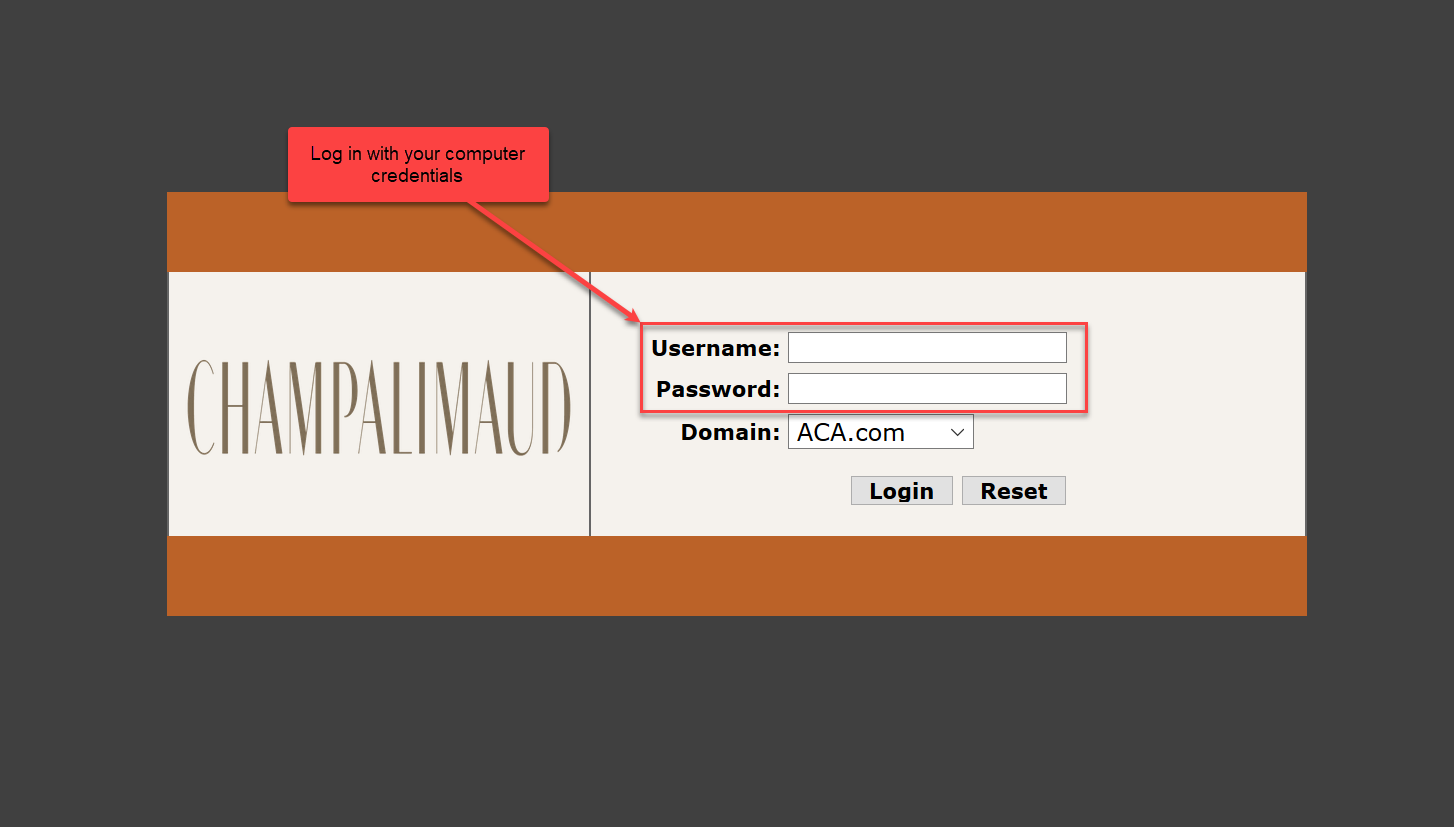
Log in with your user name and password, which would be the same as the credentials for logging into the Remote Desktop and your computer in the office. You will get a Duo notification on your phone when your credentials are entered in correctly, approve to log in.
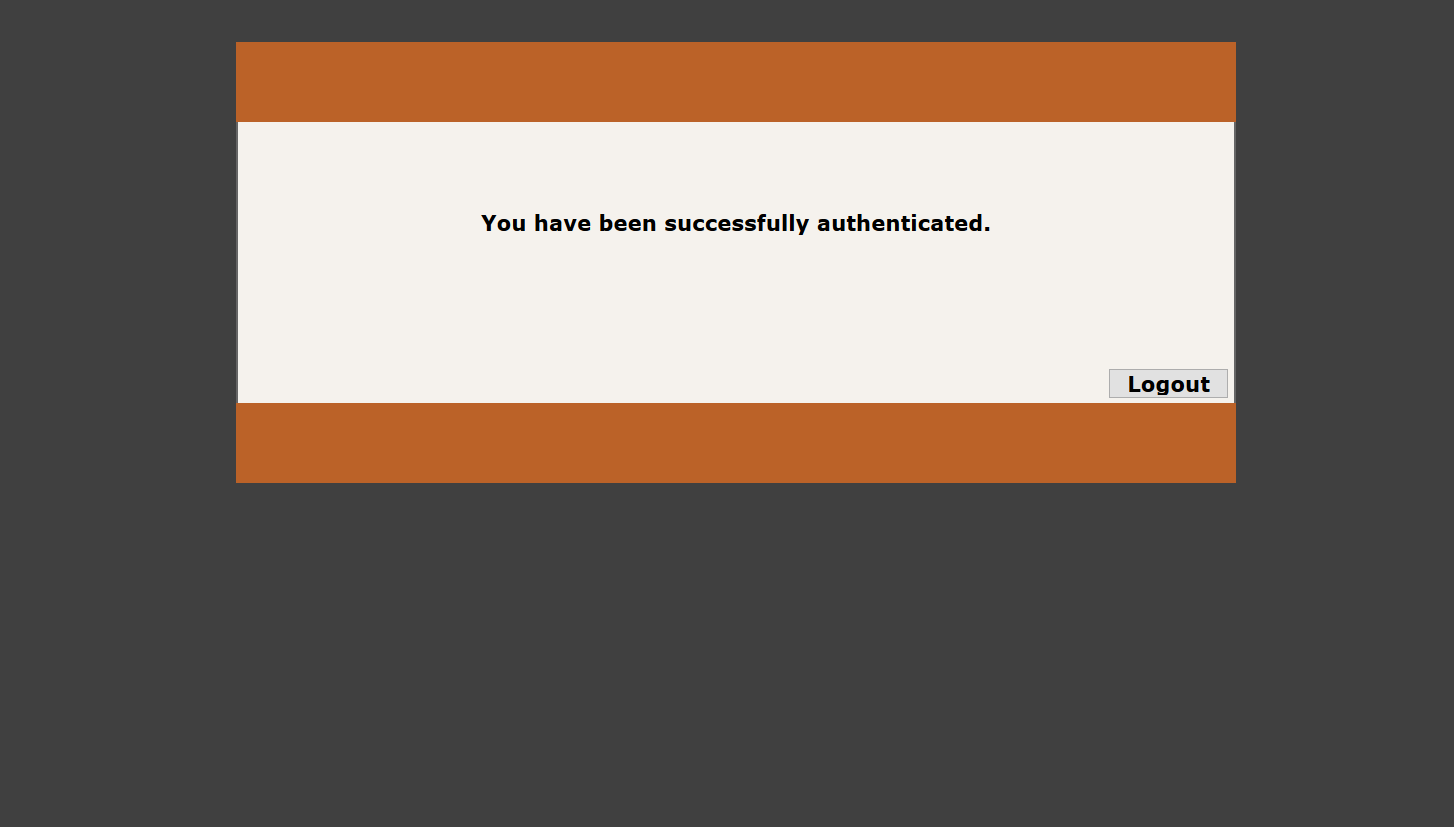
Once successfully logged in, you can proceed to opening the Remote Desktop application on the computer.
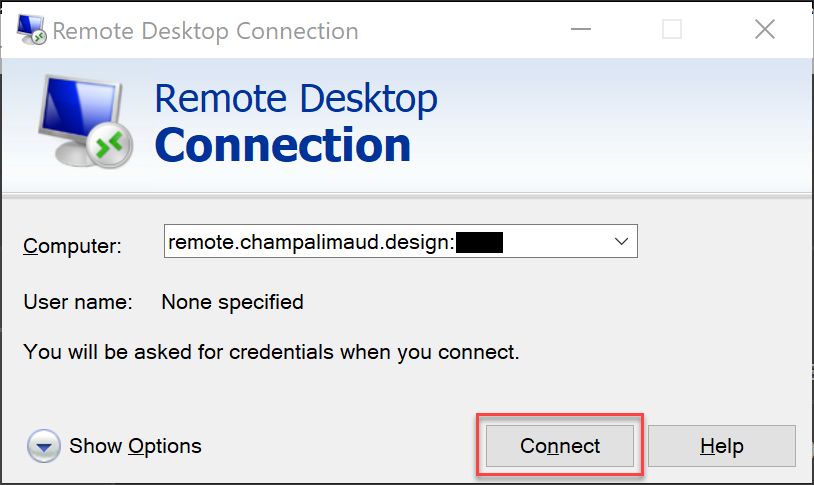
These images may be a little different depending on your computer, these images below are based on a Windows computer but they're the same instructions for a Mac
Press connect.
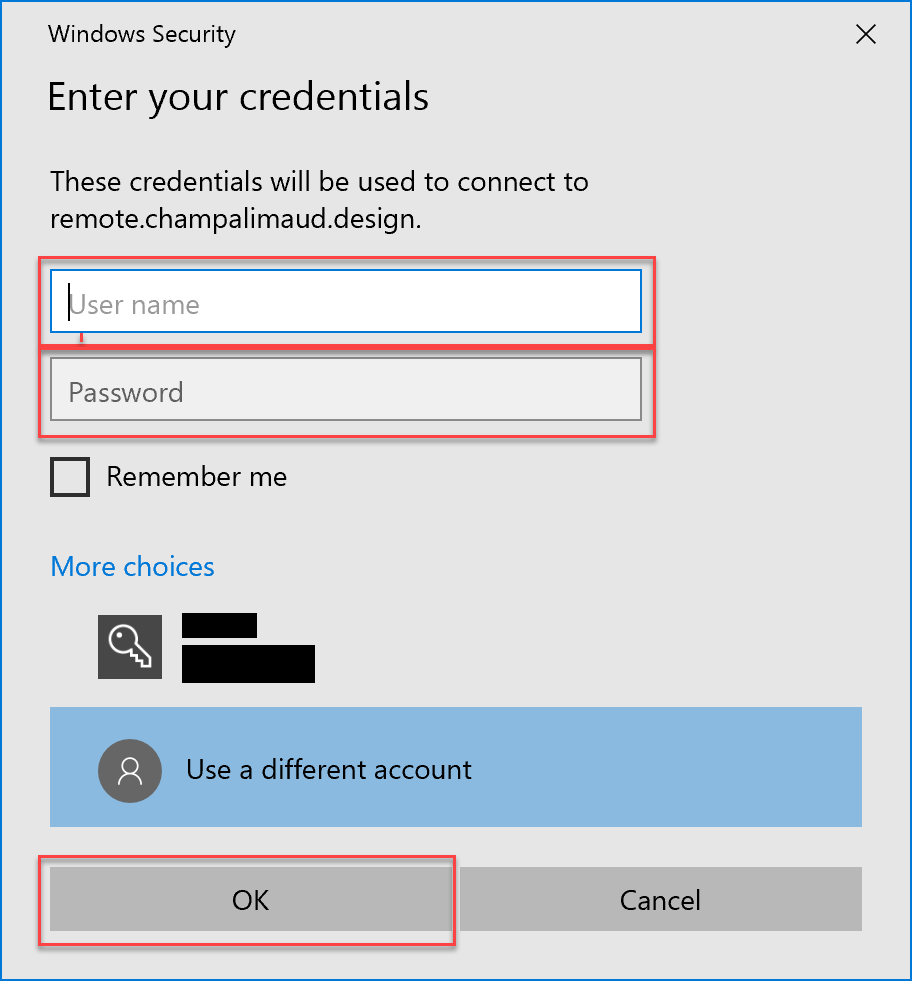
Enter in your username, make sure to include your domain before your username, "aca\" and then enter in your password, and click okay
You will receive a Duo notification on your phone. approve the login and you will be ready to use your Remote Desktop Connection.
Comments
0 comments
Please sign in to leave a comment.