
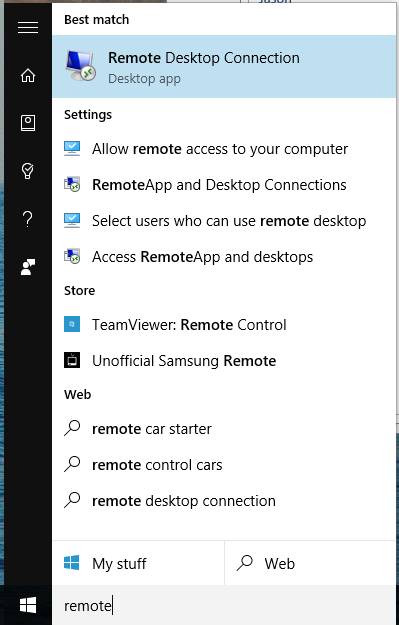
Open Remote Desktop on the remote computer, if you start typing Remote in the start menu it should show up:
In the connection settings, enter your RDP URL provided for your PC:

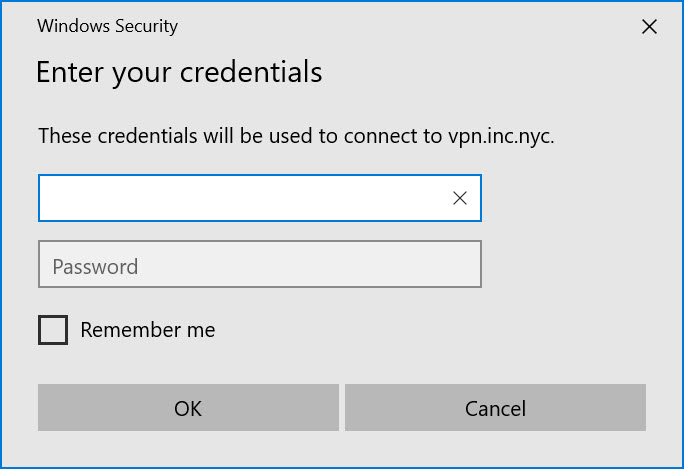
Enter your username with the domain name before it in this format: Domain\<Username> then enter your password and click OK.
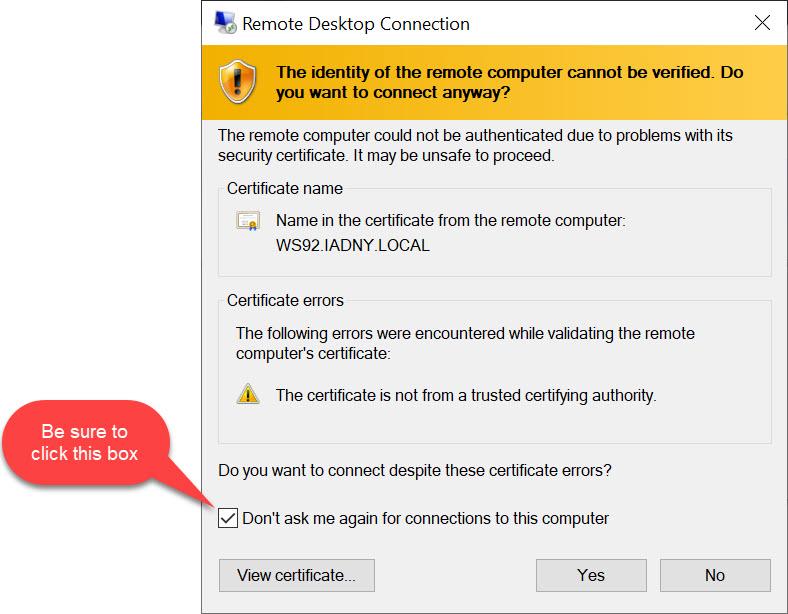
The first time you connect you will need to accept a security warning that comes up, after this you are now logged into remotely to your workstation and can work as if you were in the office.
Comments
0 comments
Please sign in to leave a comment.